
Shaping a better Google Play experience
Connecting customer needs, product strategy and design at global scale.
As UX Design Lead across Google Play Distribution and GMS Core, I led teams and shaped strategy to improve how people discovered, accessed and used apps and services. I brought research, design, product and engineering together around clear priorities, building trust, simplifying key experiences and aligning customer needs with Google Play’s business goals.
01
Project 01Google Play Government App Badging
Making official government apps easier to identify and trust
Government apps connect people to essential services, benefits, identification, emergency information and public resources. But in an app store filled with similarly named products, users could not always tell whether an app was genuinely affiliated with a government agency.
At Google Play, I led the UX strategy and cross-functional design direction for an experience that transformed a complex verification process into a simple, recognizable signal of trust.
At A Glance
Role: UX Design Lead
Organization: Google Play, Distribution
Focus: Trust, verification, discovery and platform experience
Launch scale: More than 3,000 verified government apps
Initial reach: 12 countries
Program penetration: More than 80% within the initial program scope
-
Government apps often involve sensitive information or consequential tasks, so users needed confidence that an app truly represented the government entity it claimed to serve.
Existing signals—developer names, descriptions, ratings and branding—placed too much responsibility on users. The challenge was to create a credible, understandable trust signal that worked across markets, languages and Play Store surfaces.
-
We could make institutional trust visible when users decided what to download.
The experience needed to answer one question immediately:
Is this an official government app?
It also had to work across search, discovery and app listings without competing with existing evaluation signals.
-
As UX Design Lead, I helped define how verified government status should appear across Google Play.
Working with product, engineering, policy, legal, research and marketing, I translated complex eligibility and verification requirements into a clear, scalable experience across countries and Play surfaces.
Key considerations included:
Provide an immediate, clear signal
Protect program integrity
Maintain consistency across surfaces
Support regional, policy and language differences
Avoid implying overall app endorsement
-
Verified apps received a visible Government label and institutional icon across search, discovery and app-detail pages. Selecting the label explained that Google Play had verified the app’s affiliation with a government entity.
The experience stayed simple for users while the complexity remained behind the scenes.
-
The badge was only one part of a broader trust system connecting:
Government-app declarations
Verification and eligibility requirements
Developer and agency relationships
Store presentation
User understanding
Ongoing program integrity
This approach created a repeatable pattern that could scale across apps, agencies and countries.
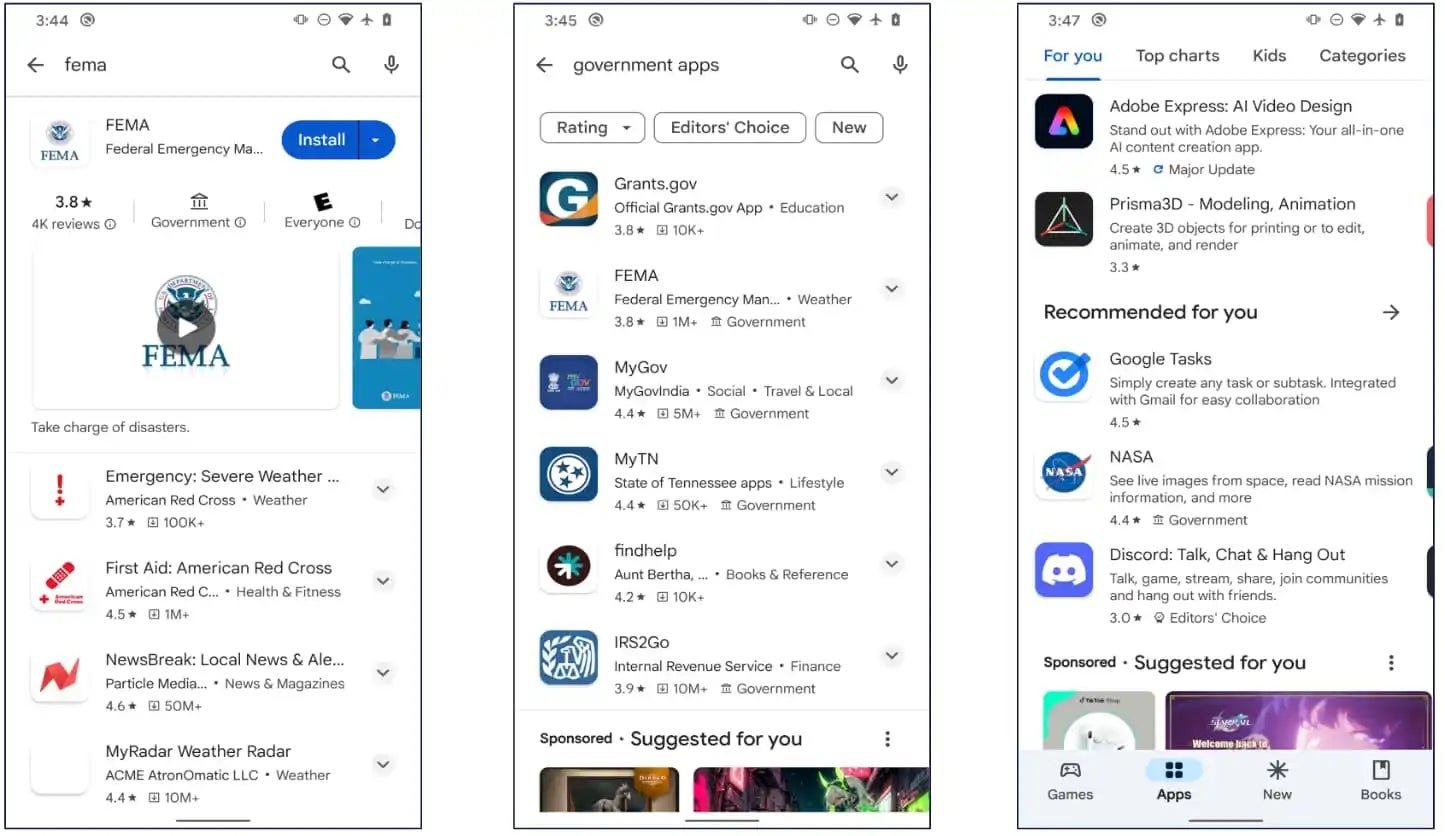
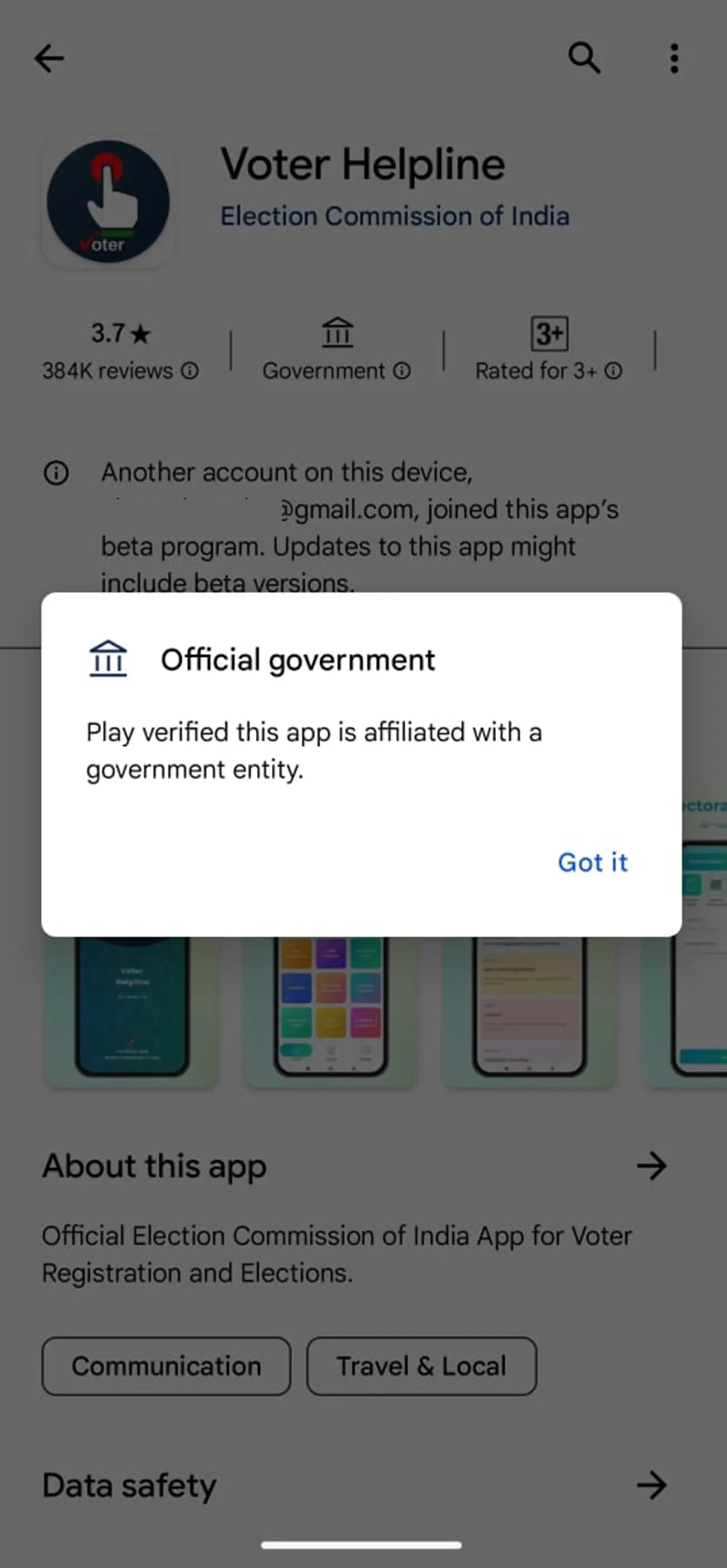
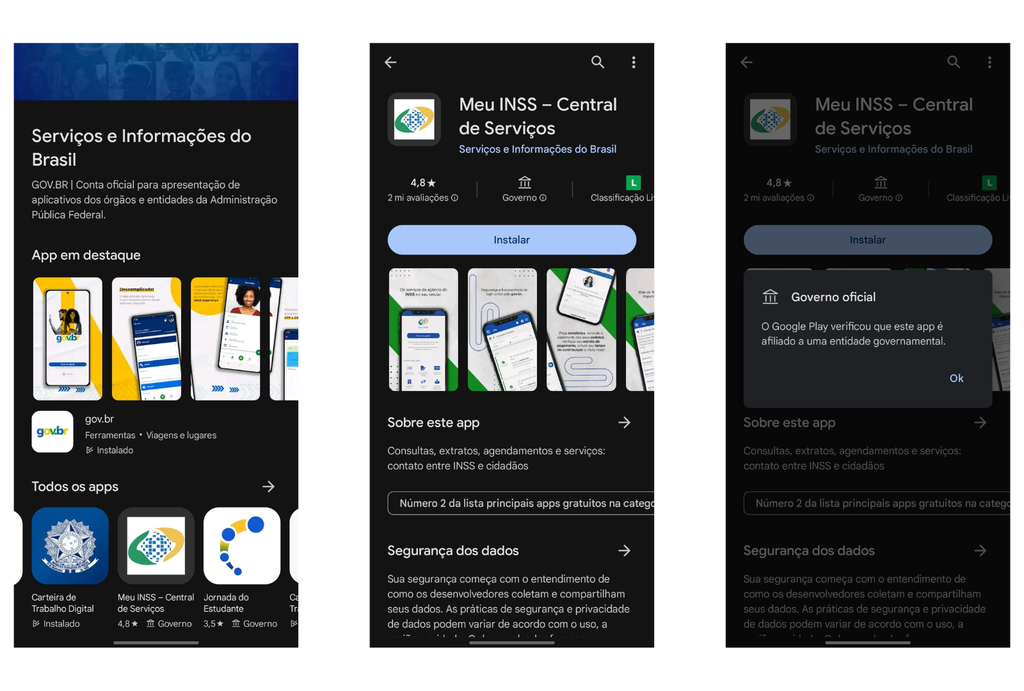
The program launched in 12 countries and covered more than 3,000 government apps, achieving over 80% penetration within the initial scope. It gave users a clearer way to distinguish official services from misleading or unaffiliated alternatives.
The work showed how a small interface element can address a larger platform problem when supported by the right product, policy and operational systems.
The outcome
What this work demonstrates.Government App Badging reflects the work I find most meaningful: identifying a trust problem within a complex ecosystem, aligning teams around a strategy and making organizational complexity feel simple to customers.
The badge is straightforward. Building the system that made it credible was the real design challenge.
Project 02Google Play Mobile Device Onboarding
Making the first experience with a new device faster and easier
Setting up a new mobile device should feel exciting. Instead, the process can leave users confused, apprehensive or overwhelmed before they begin using it.
At Google Play, I led the UX vision for streamlining mobile device onboarding, reducing setup friction and the time customers spent completing the process in retail environments.
02
At A Glance
RoRole: UX Design Lead
Organization: Google Play, Distribution
Focus: Device setup, usability and ecosystem entry
Outcome: A faster, more intuitive onboarding experience
-
Users wanted their new devices to feel familiar quickly. They needed confidence that the apps and services they relied on would be available, along with clear guidance through an unfamiliar setup process.
Too much complexity at this stage increased cognitive load, extended in-store setup time and weakened an important first impression of the Android ecosystem.
-
We could transform onboarding from a series of system decisions into a more guided transition.
The experience needed to help users understand what was happening, make essential choices and begin using their new device with less effort.
-
As UX Design Lead, I directed the experience strategy and aligned product, engineering, research and Android partners around a simpler onboarding journey.
Research and customer feedback helped us identify where users felt uncertain, what they wanted to preserve from their previous devices and where the process could be streamlined.
-
We focused the journey on the decisions that mattered most, clarified each step and reduced unnecessary complexity.
The redesigned experience gave users a clearer sense of progress and a more direct path from activating a device to using it.
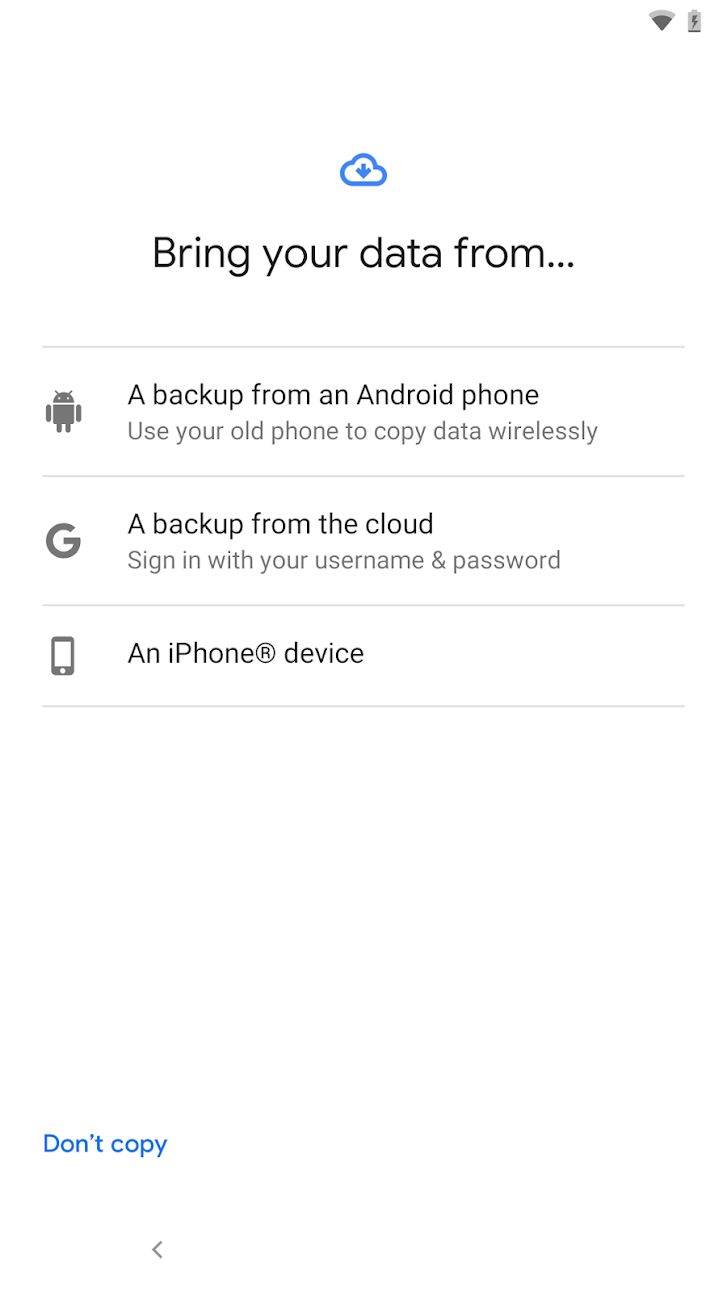
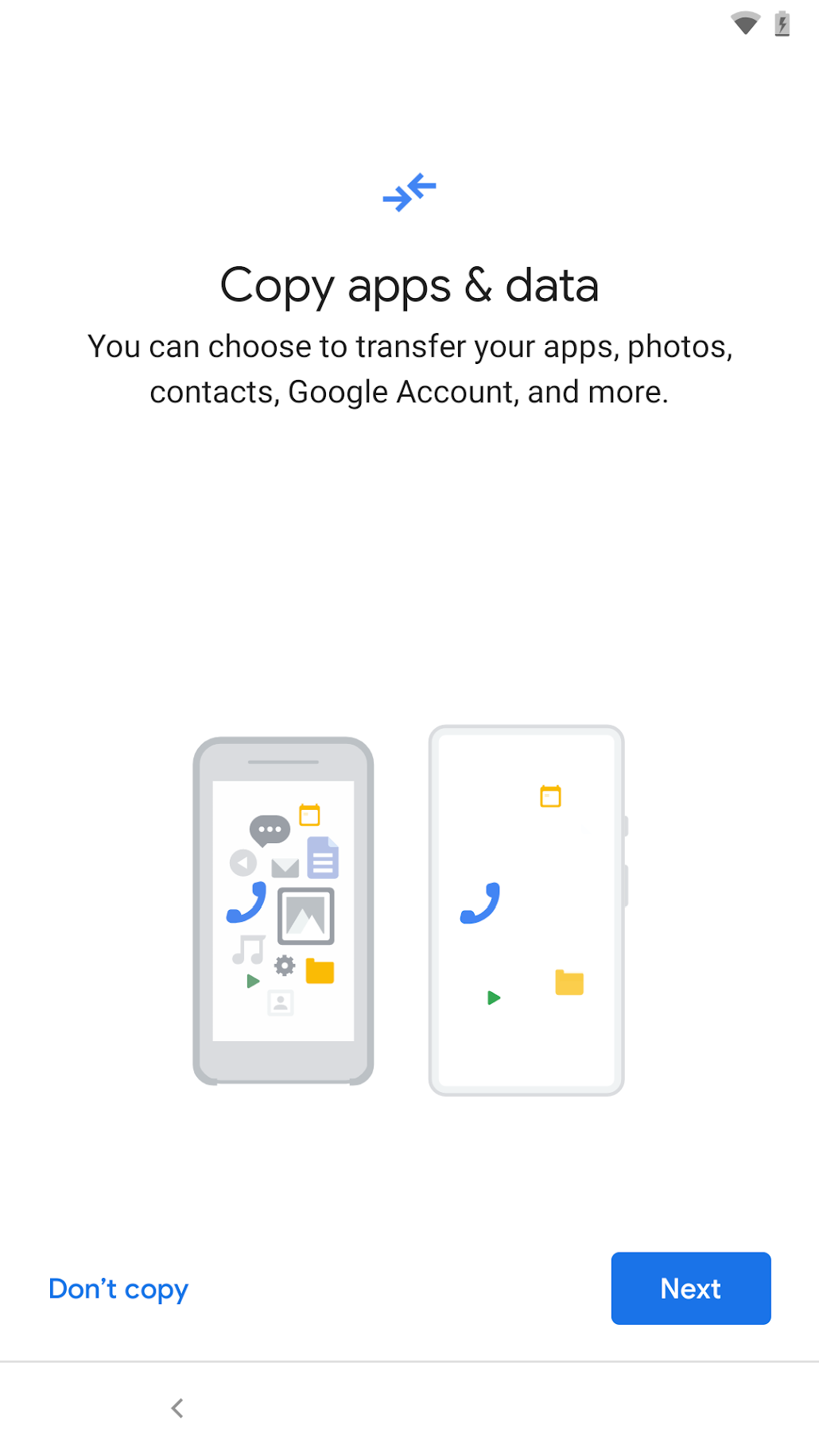
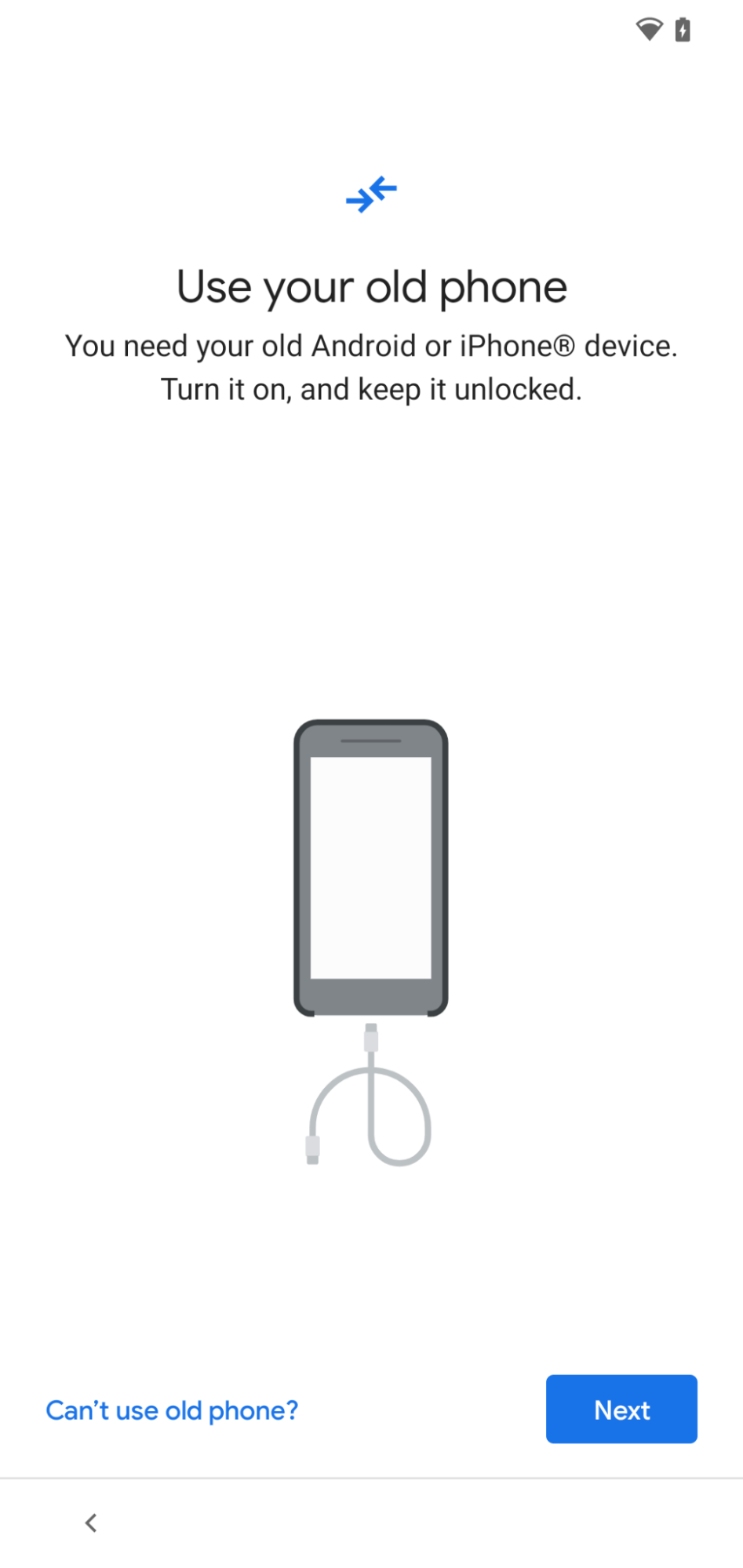
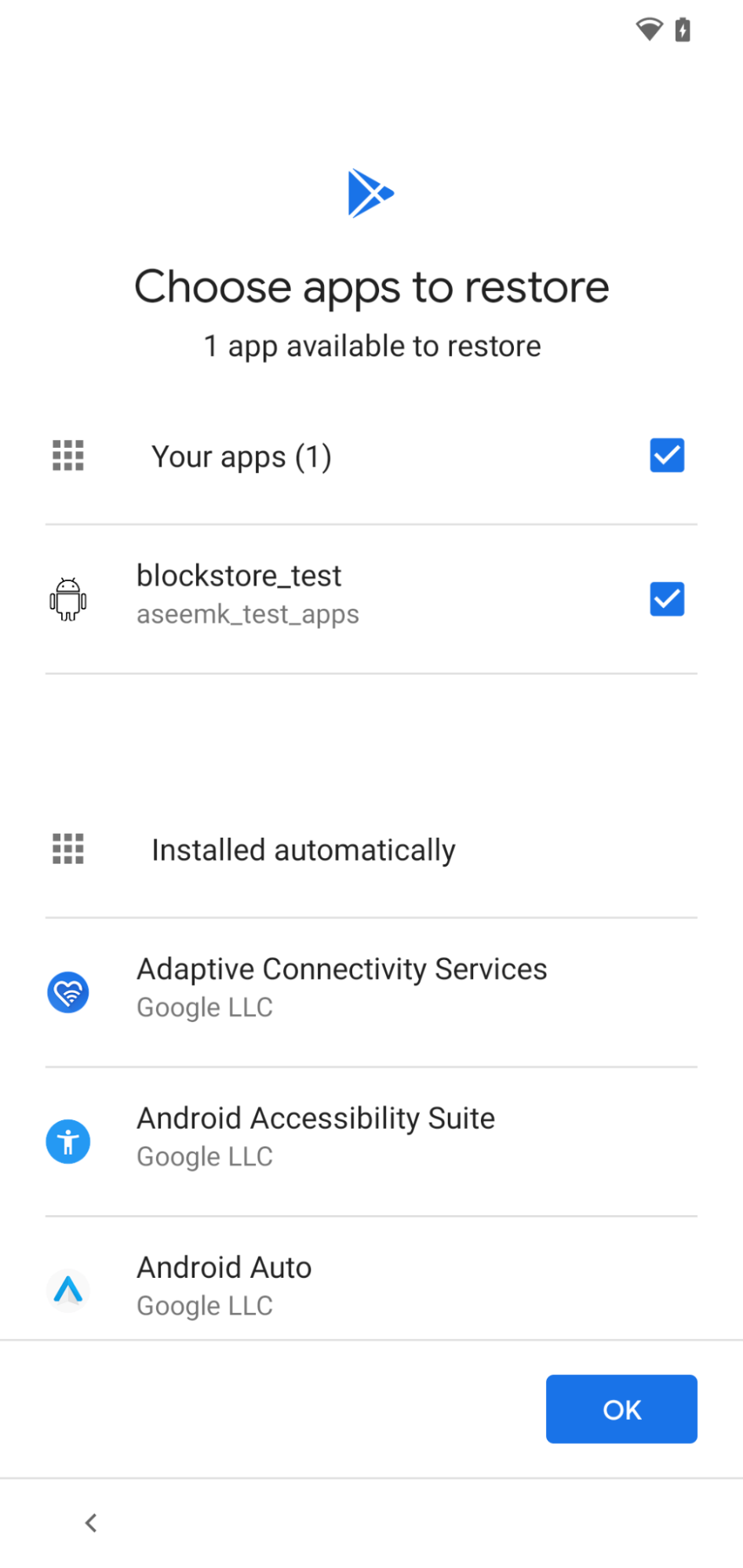
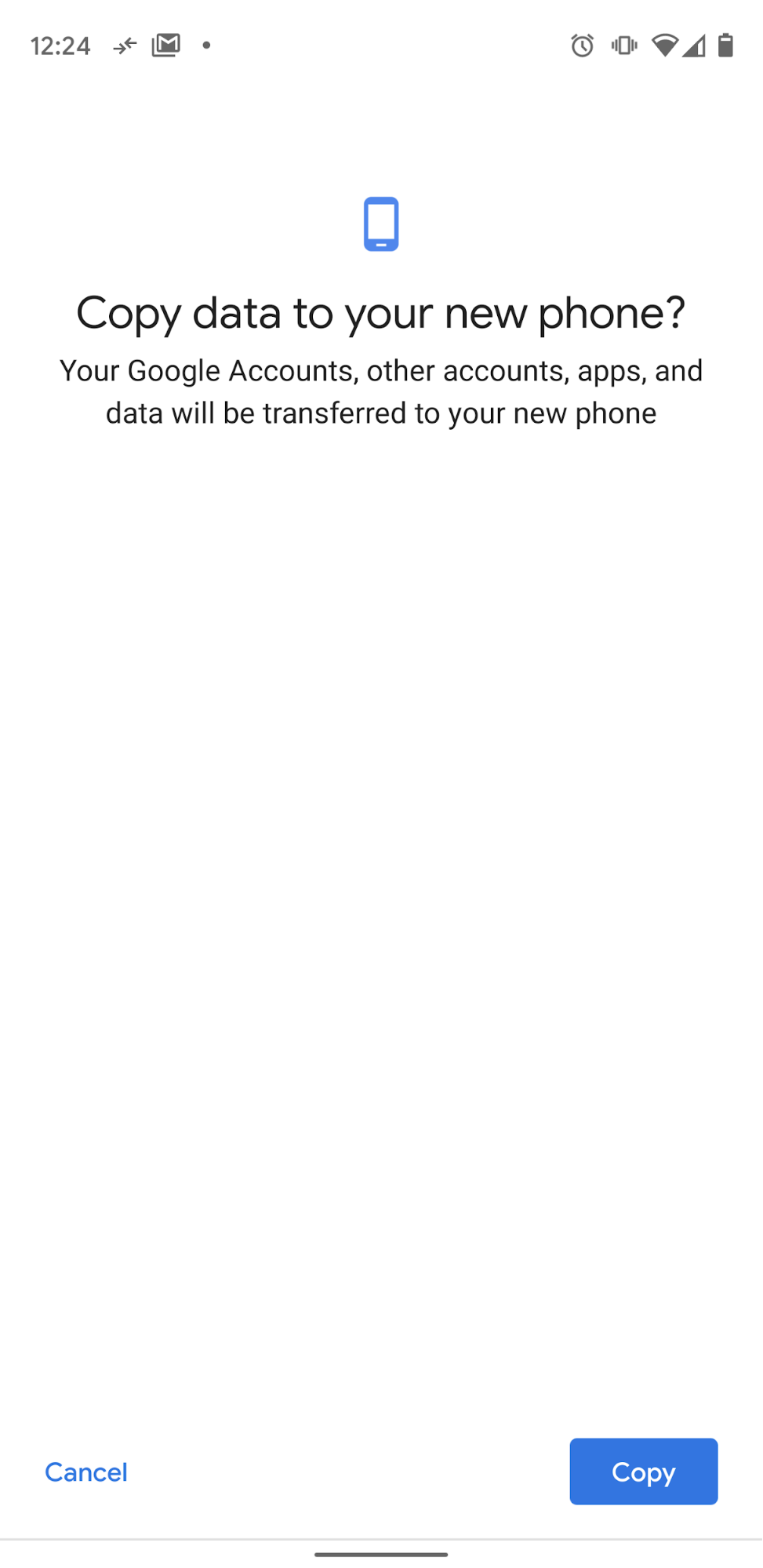
The new onboarding experience reduced friction and shortened the time customers spent setting up devices in retail stores.
It created a faster, more cohesive entry into the Android ecosystem and a stronger first experience with Google Play.
The outcome
What this work demonstrates.Mobile Device Onboarding shows how I translate research, technical complexity and cross-functional requirements into an experience that feels simple to the customer.
03
Project 03Google GMS Core
Improving the performance behind the experience
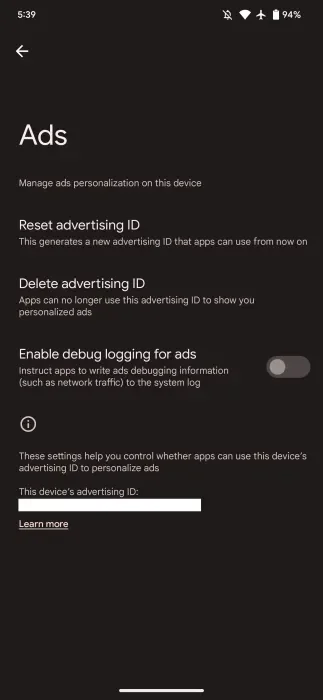
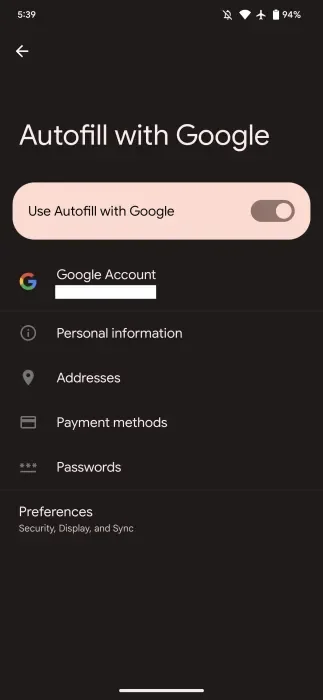
A dependable device experience relies on stability, efficient performance and battery life. At Google, I led UX across GMS Core initiatives, working with product and engineering teams to launch services that improved device functionality.
At A Glance
Role: UX Design Lead
Organization: Google, Distribution & GMS Core
Focus: Device functionality, reliability and experience consistency
Outcomes: Reduced CPU load, fewer new-app crashes and improved battery life
-
Performance issues affect the customer experience directly. App crashes interrupt tasks, high resource usage strains devices and battery drain limits how long people can use them.
The challenge was to connect foundational technical improvements with the everyday experience of using a device.
-
Treat reliability and efficiency as essential parts of user experience.
GMS Core provided an opportunity to improve the underlying services people depended on, supporting a more consistent experience across apps and devices.
-
I built and led multidisciplinary UX teams across Distribution and GMS Core, working with designers, product managers and engineers on strategy and delivery.
My remit included research, customer feedback and UX measurement, alongside alignment with Android and other Play teams to maintain experience consistency.
-
The work supported the launch of GMS Core services that improved device functionality. UX leadership connected customer needs with product and engineering priorities, keeping the broader device experience in view.
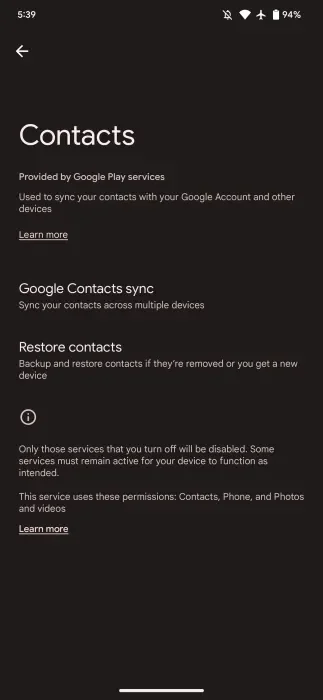
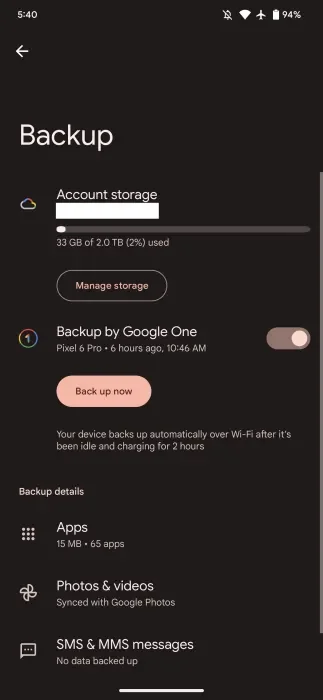
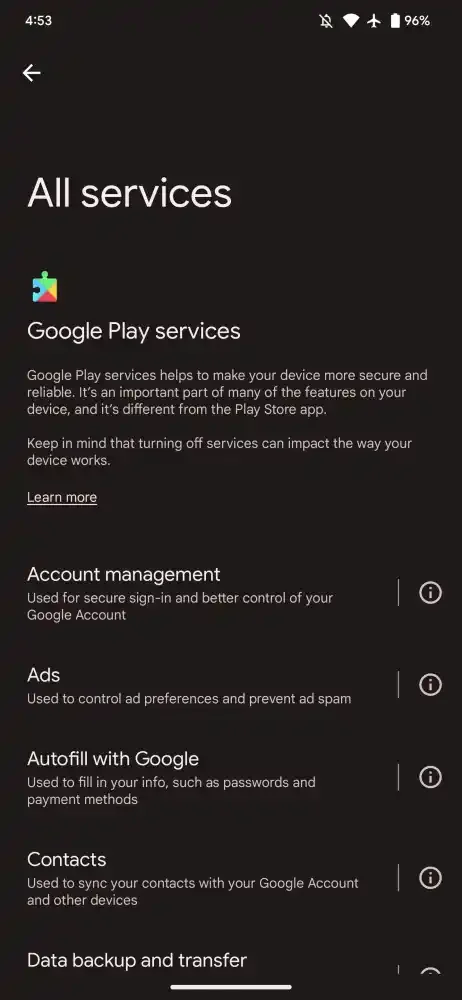
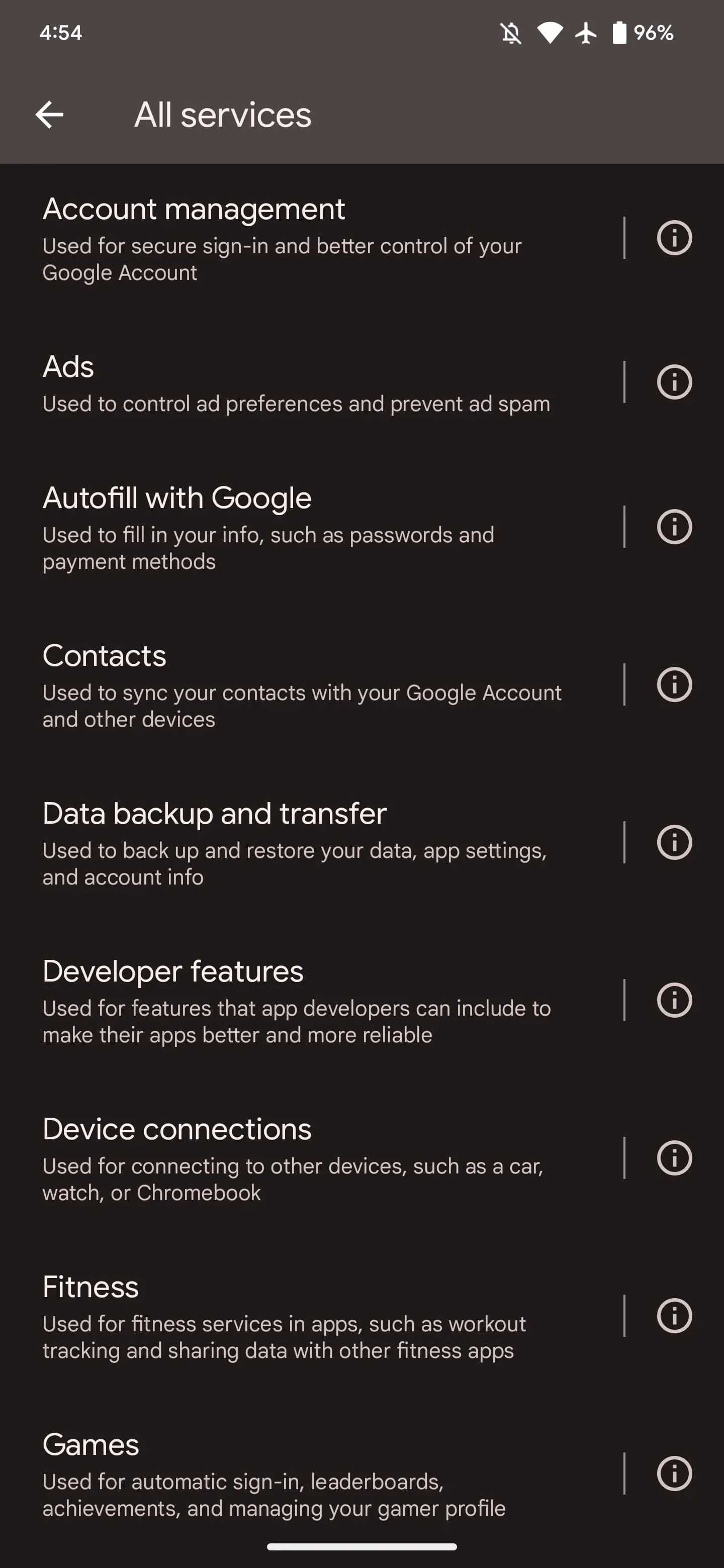
Data backup and transfer
Changing phones should not mean starting over. GMS Core helps people back up messages, contacts and app settings, then restore or transfer that information to a new device. This makes setup easier and helps people pick up where they left off.
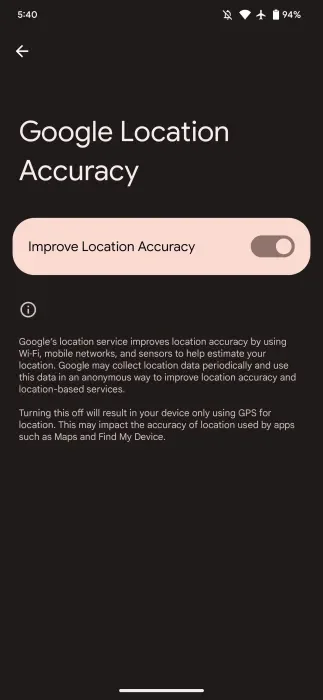
Location Accuracy
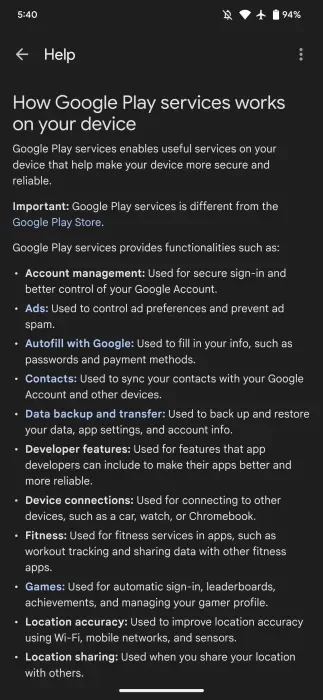
Finding directions or nearby services depends on reliable location information. GMS Core combines GPS with Wi-Fi, mobile networks and device sensors to improve location accuracy, including indoors and around tall buildings where GPS signals can be weak.

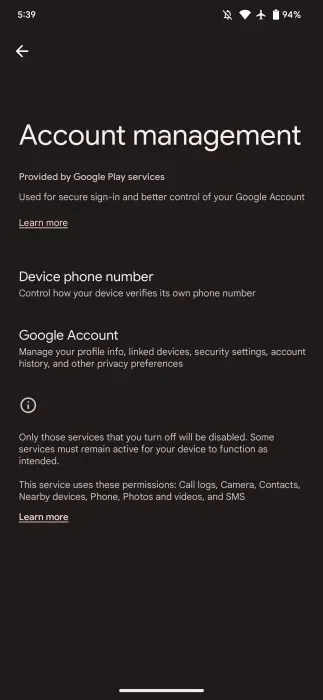
Account management
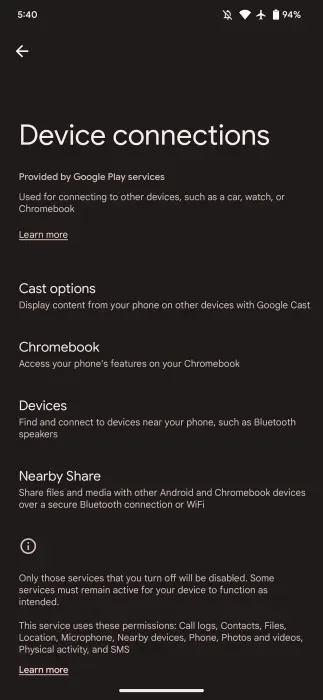
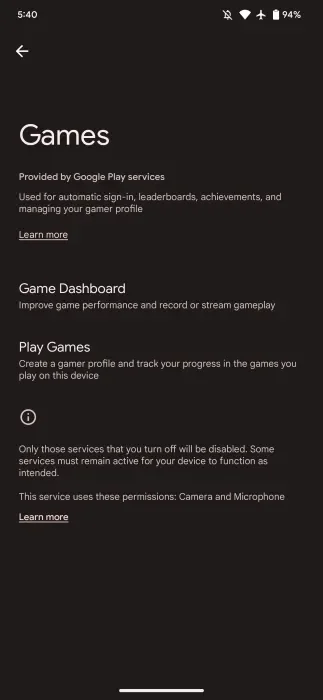
Account management supports secure sign-in and gives people control over their Google Account. It connects personal information, security settings and privacy choices, helping people manage their account and how they use Google services.
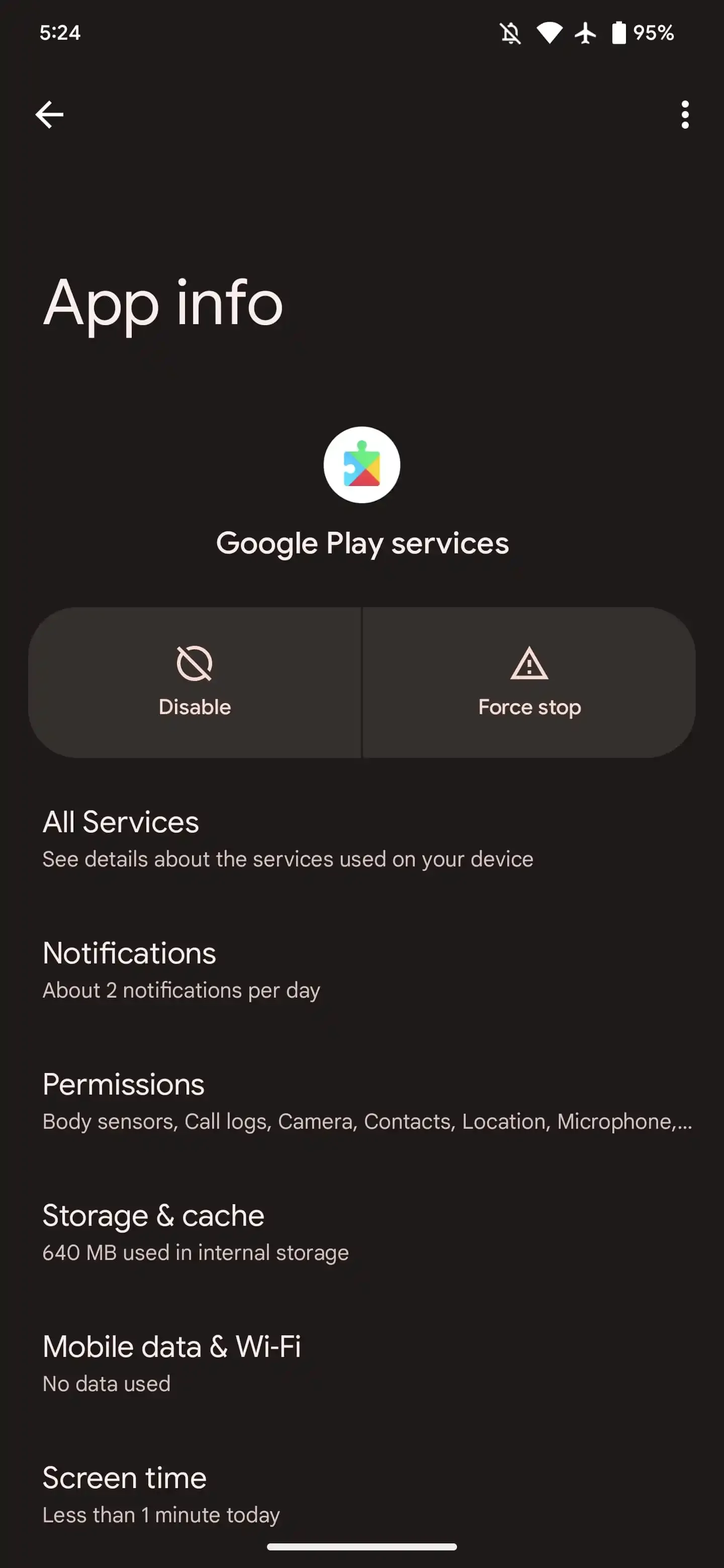
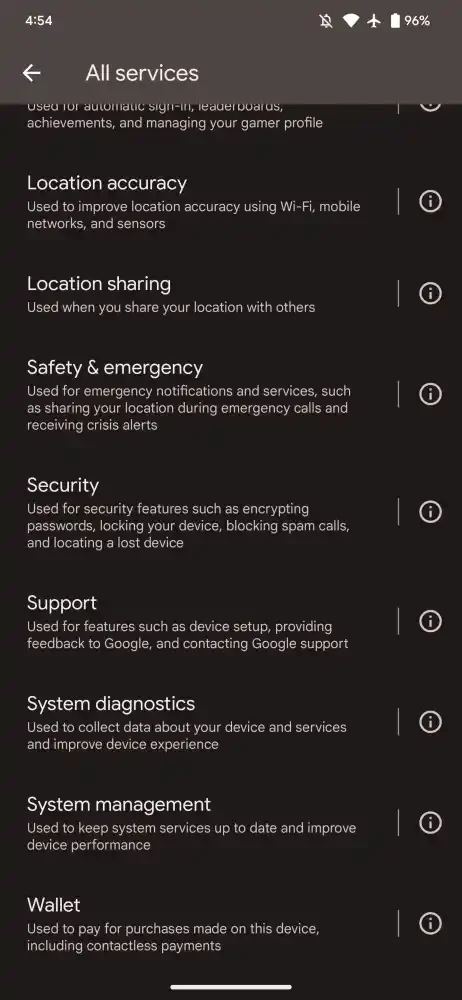
The launched services reduced CPU load, decreased new-app crashes and improved battery life.
These were cross-functional outcomes, with my contribution centered on UX strategy and team leadership alongside product and engineering delivery.
The outcome
What this work demonstrates.